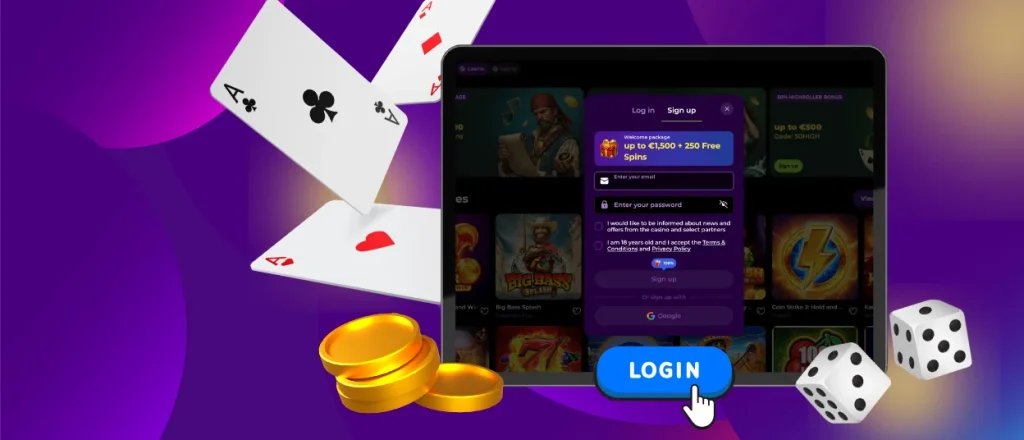



Rollambia Login: Fast Sign-Up and Account Management
To use all features on the Rollambia website or in the app, you need an account. The platform is intended for adults (18+), and Rollambia allows one account per person. Once you sign up, you can access the full game catalog, payments, promotions, and customer support, which is available 24/7.



Player Registration on Rollambia
Rollambia keeps registration fairly simple and asks only for the basics. Most users complete it in a few minutes. After that, you can explore the full range of content: 6,000+ games (slots, table games, live dealer titles, crash/instant games, and more), plus deposit and withdrawal options such as bank cards, e-wallets, bank transfers, and cryptocurrencies.
Your account area also gives you practical tools for day-to-day management.
| Function | Details |
| Edit personal and payment details | Update your profile information and adjust payment-related settings when needed. |
| View activity history | Check your gameplay history, bonus usage, and deposit/withdrawal records. |
| Use responsible gaming controls | Set time and spending limits, and enable self-exclusion if you want a break. |
| Manage payments | Make deposits or request withdrawals from the cashier section. |
| Complete verification | The platform may ask you to confirm your identity before your first withdrawal. |
Create Your Account
Rollambia designed the sign-up flow to be clear even if you’re new to online casinos.
- Click Sign Up on the homepage.
- Enter your email and create a password. If you have a promo code, add it at this step.
- Confirm that you are 18+ and agree to the platform rules.
- Click Sign Up to submit the form.
- Fill in basic personal details.
- Save the information to finish creating the account.
After that, your Rollambia profile is ready. You can make a first deposit and switch from demo play to real-money gameplay.
Logging In and Setting Up Your Account
If you already have a Rollambia profile, signing in is quick and doesn’t require anything unusual. You can log in from a desktop browser, a mobile browser, or the Rollambia app — the steps stay the same.
How to log in:
- Open the Rollambia homepage and click Log in.
- Enter the email address and password you used during registration.
- Click Log in to access your account.
Once you’re inside, you can immediately use the main account features: browse the full game library, open the cashier to manage deposits and withdrawals, check active promotions, and view your account history.
Forgot your password?
If you can’t remember your password, you can reset it directly from the login page:
- Open the login form and select Forgot Password?
- Enter the email linked to your Rollambia account.
- Check your inbox for a reset link and create a new password.
Then you can log in again with the updated credentials.
Account Security and Verification
To reduce fraud and protect players, Rollambia may request verification before your first withdrawal. The platform can ask for documents that confirm:
- Identity (passport, national ID, or driver’s license)
- Address (a recent utility bill or bank statement, usually within the last 3 months)
- Payment method ownership (proof that the card, bank account, e-wallet, or crypto wallet belongs to you)
The review typically takes up to 48 hours. In most cases, you only complete this step once.
FAQ
How do I complete verification?
Rollambia may request identity documents before your first withdrawal. After you upload them, the team reviews the files and replies within up to 48 hours.
How can I change my password or email?
You can update personal and payment information in account settings. If you forgot your password, use the reset option on the login page.
What Should I Do If My Account Is Locked?
If you didn’t receive an email explaining the reason, contact Rollambia support via live chat or email. Support works 24/7 and can clarify what happened.
How Do I Close or Temporarily Suspend My Account?
Contact Rollambia support and request a temporary suspension or closure. The team can apply the restriction and explain how reactivation works.